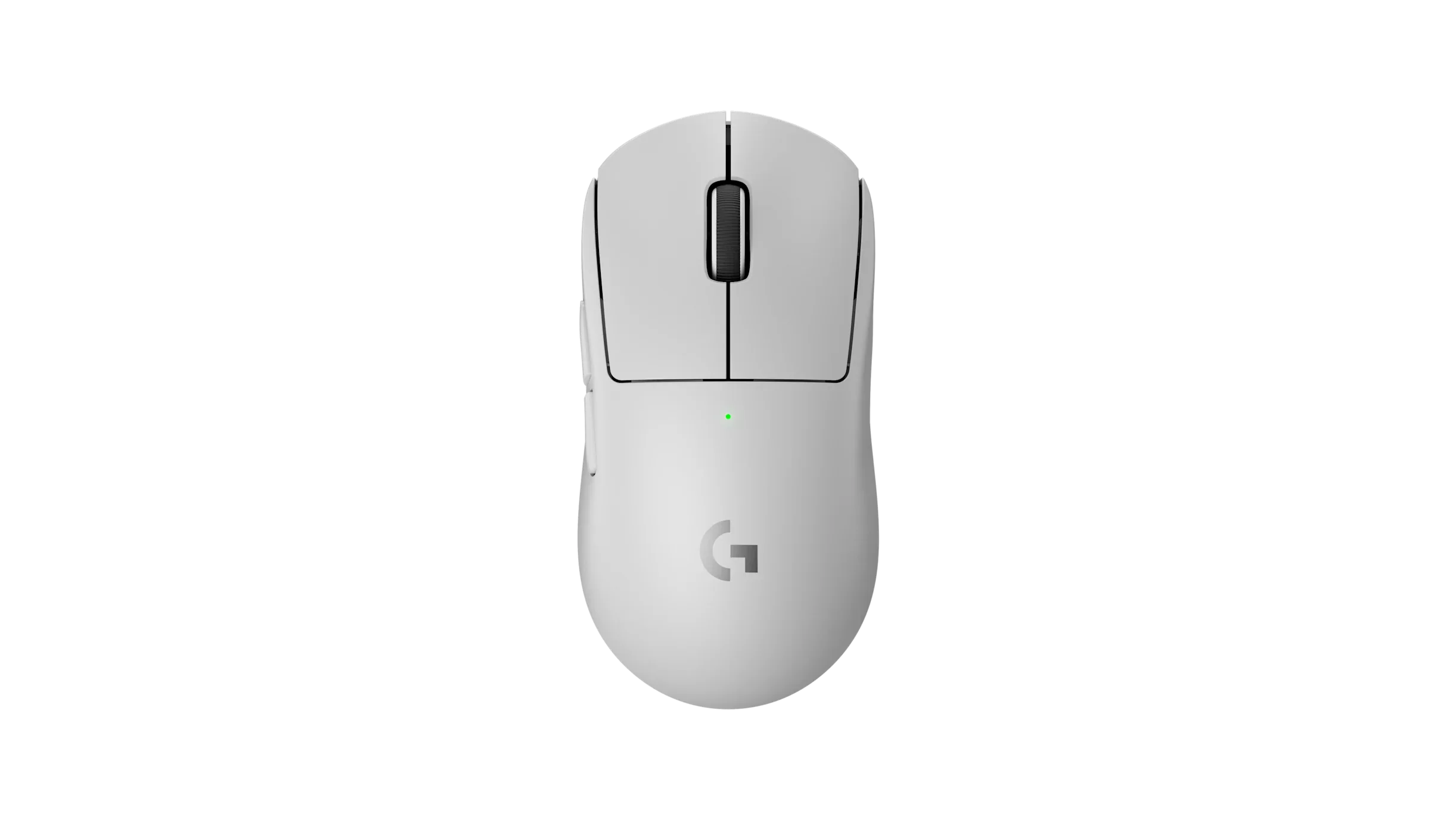
Shape & Ergonomics
I've already been vocal on this site about preferring the 2c's shorter, smaller shape — the standard Superlight 2's centered hump is a bit more restrictive for my hand, and if you've read that review, none of that has changed here. This is still a very safe, grip-agnostic shape that works fine for palm and fingertip, just not the one I personally reach for first when the 2c is sitting right next to it.
Sensor & Tracking
Here's the frustrating part: I've had spinout issues on my Skypad with this mouse, and it's not an isolated incident — it's consistent across basically every HERO sensor mouse I own. The one exception in my collection is, oddly, the G305 X Superlight, which doesn't do this at all. Outside of that specific pad interaction, the sensor itself feels great — clean, accurate, no complaints on tracking quality in general use.
Clicks
A bit too stiff for my taste. That said, I'll take stiff optical switches over the alternative — I went through enough mice in the past where mechanical switches burned out and started double-clicking or getting inconsistent that I've come to appreciate the durability trade-off, even if the feel isn't my favorite.
Coating
This is one of the best coatings around, full stop. It always feels clean in hand, even though I'm genuinely particular — borderline obsessive — about keeping my peripherals clean. A lot of mice in this price range start feeling greasy within weeks; this one just doesn't.
Skates
Terrible. A scratchy mess right out of the box. Budget for replacement skates as part of the purchase — don't expect the stock ones to hold up or feel good for long.
Scroll Wheel
This one comes with history. My launch-day Superlight 2 had a scroll wheel that degraded badly within a year of regular use — bad enough that I ended up RMAing the whole mouse over it. Logitech has said the wheel was updated to resist that kind of wear, and my new unit does feel better so far. I'm not ready to call that fixed yet, though — this is exactly the kind of failure that takes months of use to show up, so time will tell.
Wireless Performance & Battery
This is where Logitech's tech actually wins. The sensor feels snappy over LIGHTSPEED, and battery life is excellent — Logitech rates it over 90 hours depending on polling rate, and in practice I run 2,000Hz and only need to charge about once a week. No competitor I've used matches this combination of wireless feel and battery longevity.
Weight
Logitech seems stuck around 60g for this tier, and I'd love to see them push it down the way Razer did with the Viper V4 Pro, which comes in around 49g. The shape and internals here are excellent — the weight is the one spec that feels like it's lagging behind where the rest of the market is heading.
Pros
- Best-in-class wireless feel and battery life
- One of the best coatings around — stays clean far longer than most
- Durable optical switches, even if the click feel is stiff
- Sensor tracking is excellent outside of specific hard-pad spinout issues
Cons
- Stock skates are scratchy and need replacing immediately
- HERO sensor spinout issues on hard pads like Skypad
- Click feel is stiffer than I'd like
- 60g weight is behind where competitors like Razer have pushed
- Scroll wheel has a track record of failing — new unit is unproven long-term
Verdict
The wireless performance and battery life alone make this one of the best mice on the market, and that's not a small thing to get right. But the stock skates need replacing on day one, the scroll wheel has a real failure history I'm still watching closely on this unit, and the HERO sensor's spinout behavior on hard pads is a genuine annoyance if you use one. If the 2c's smaller shape doesn't fit your hand, this is still an easy recommendation — just go in knowing what you're trading for that battery life.
Frequently Asked Questions
Does the Logitech PRO X SUPERLIGHT 2 have sensor spinout issues?
Yes, on hard pads like Skypad — this shows up consistently across HERO-sensor Logitech mice, though tracking is otherwise clean.
How's the battery life on the PRO X SUPERLIGHT 2?
Excellent — Logitech rates it over 90 hours depending on polling rate, and it holds up well in practice even at 2,000Hz.
Should I replace the stock skates on the PRO X SUPERLIGHT 2?
Yes — the stock skates are scratchy out of the box and replacing them should be part of the purchase.
Specs reflect official Logitech listings at the time of writing — verify current pricing and availability before publishing. Impressions above are a direct personal take rather than a lab-style average.